






























































Creating images for each icon layer
A typical way to create icons would be to use an app such as Adobe Photoshop or Canva. With that said, any app that can generate individual layers of an icon as separate files may be used. You will use Keynote, free for Apple Macs, to open a presentation containing a sample icon design and export it into individual layers for use in Icon Composer.
Follow these steps:
- If you have not yet installed the Keynote app, download and install it at this link: https://apps.apple.com/us/app/keynote/id409183694?mt=12
- Download the project files for this chapter, which are in the
Chapter24folder of the code bundle for this book, at this link: https://github.com/PacktPublishing/iOS-26-Programming-for-Beginners-10E - Open the
Chapter24folder, open theresourcesfolder, and open theJRNLImagesfile. You will see a Keynote presentation containing four slides, as shown:
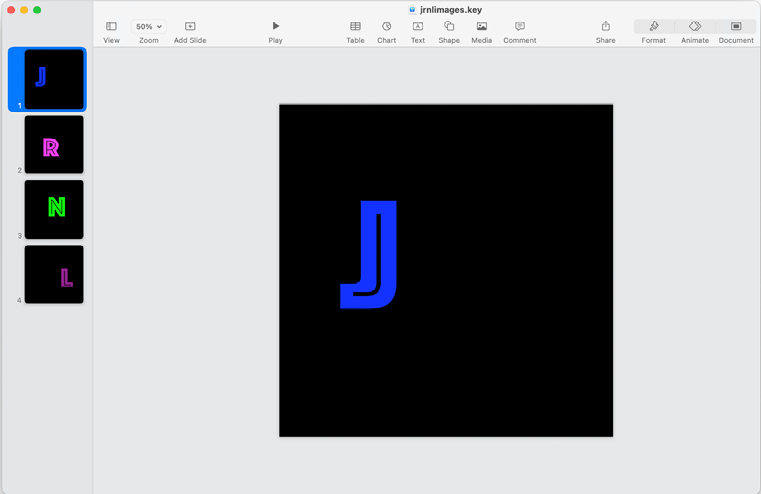
Figure 24.1: Contents of the JRNLImages file
-
...




