

Downloading and installing Xcode from the App Store
Xcode is Apple’s IDE for developing macOS, iOS, iPadOS, watchOS, tvOS, and visionOS apps. You’ll need to download and install Xcode on your Mac prior to writing your first app. Follow these steps:
- On your Mac, choose App Store from the Apple menu.
- In the search field in the top-right corner, type
xcodeand press the Return key. - You’ll see Xcode in the search results. Click Get and then click Install.
If you have an Apple account, type it in the text field and enter your password when prompted. If you don’t have one, click Create Apple Account and follow the step-by-step instructions to create one:
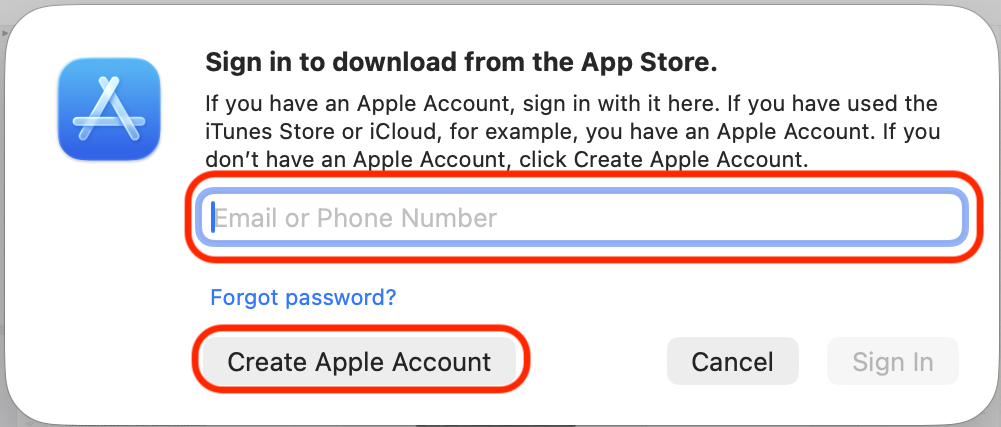
You can see more information on how to create an Apple account using this link: https://support.apple.com/en-us/108647#appstore.
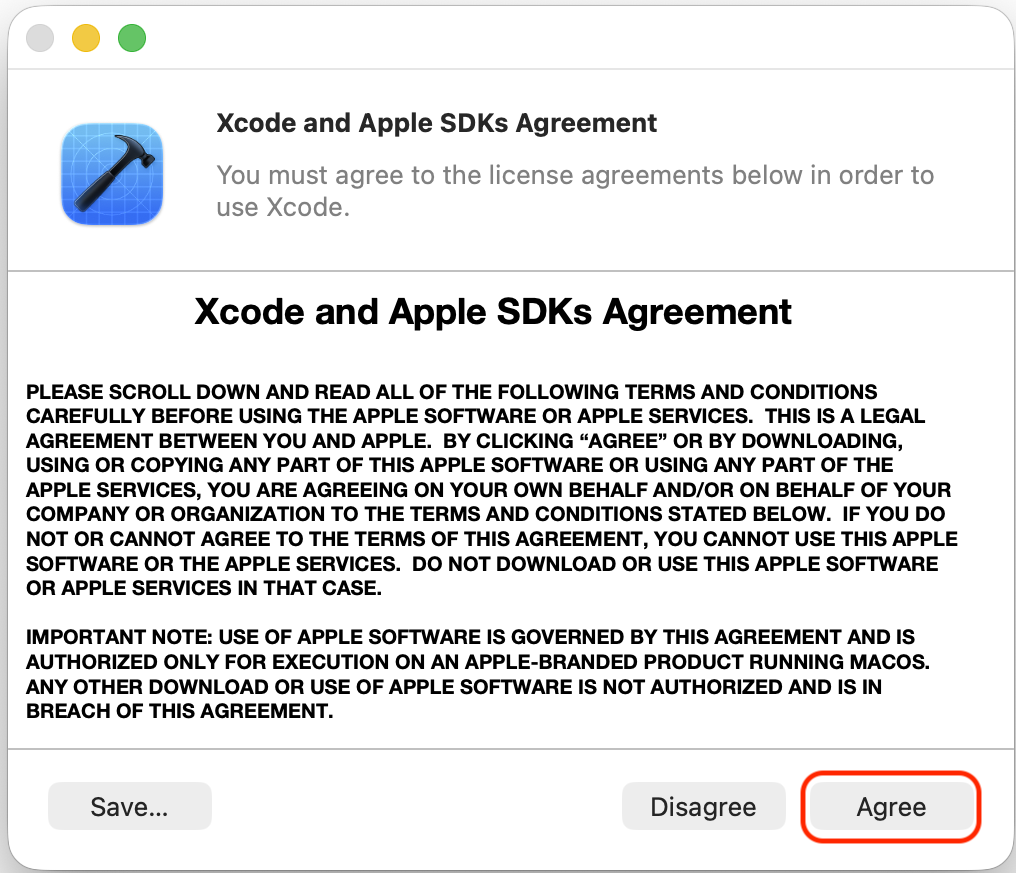
Once Xcode has been installed, launch it. You’ll see a license agreement screen. Click Agree: