






























































Testing the flow
To test this flow, you can click Test in the upper-right-hand corner of the Power Automate canvas area.
Select the options to manually kick off a test flow. After successfully launching a test, you can watch the active run history in the Power Automate canvas area or under the flow’s runs, as shown in Figure 17.28:
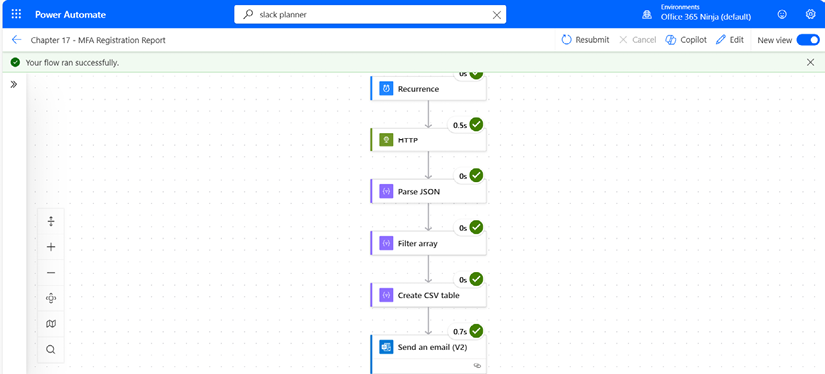
Figure 17.28 – Watching a flow run
If any of the actions or steps return errors, you can expand the step and review the output.














