Search icon CANCEL
Subscription
0
Cart icon
Your Cart (0 item)
Close icon
You have no products in your basket yet
Save more on your purchases! discount-offer-chevron-icon
Savings automatically calculated. No voucher code required.
Arrow left icon
Explore Products
Best Sellers
New Releases
Books
Videos
Audiobooks
Learning Hub
Newsletter Hub
Free Learning
Arrow right icon
timer SALE ENDS IN
0 Days
:
00 Hours
:
00 Minutes
:
00 Seconds
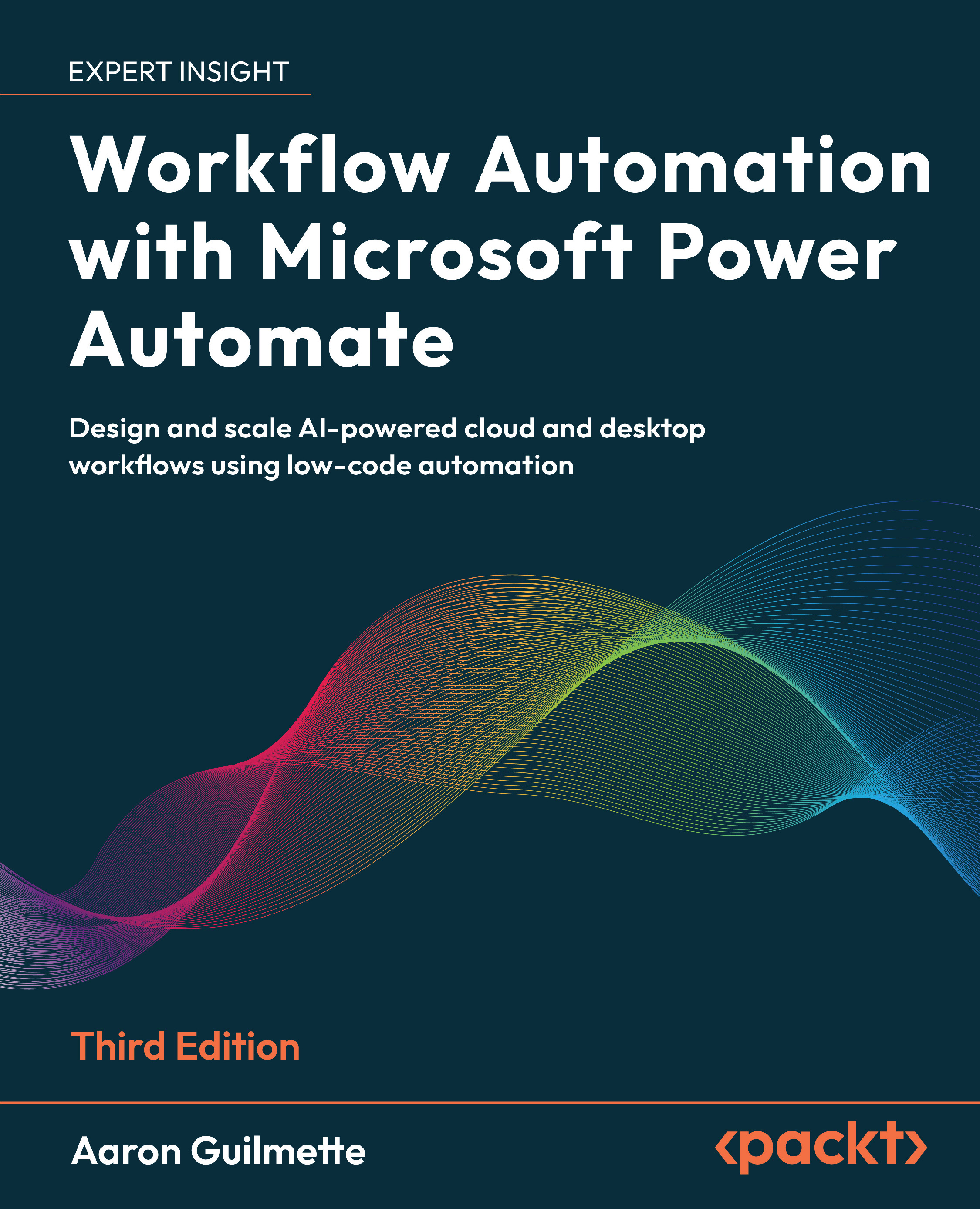
Workflow Automation with Microsoft Power Automate

Workflow Automation with Microsoft Power Automate: Design and scale AI-powered cloud and desktop workflows using low-code automation , Third Edition

Arrow left icon
Profile Icon Aaron Guilmette
Arrow right icon
€8.98 €26.99
eBook Dec 2025 544 pages 3rd Edition
eBook
€8.98 €26.99
Paperback
€33.99
Subscription
Free Trial
Renews at €18.99p/m
Arrow left icon
Profile Icon Aaron Guilmette
Arrow right icon
€8.98 €26.99
eBook Dec 2025 544 pages 3rd Edition
eBook
€8.98 €26.99
Paperback
€33.99
Subscription
Free Trial
Renews at €18.99p/m
eBook
€8.98 €26.99
Paperback
€33.99
Subscription
Free Trial
Renews at €18.99p/m

What do you get with eBook?

Product feature icon Instant access to your Digital eBook purchase
Product feature icon Download this book in EPUB and PDF formats
Product feature icon Access this title in our online reader with advanced features
Product feature icon DRM FREE - Read whenever, wherever and however you want
Modal Close icon
Payment Processing...
tick Completed

Billing Address

Table of content icon View table of contents Preview book icon Preview Book

Workflow Automation with Microsoft Power Automate

Introducing Microsoft Power Automate

Business activities in the Information Age are filled with repetitive tasks: receive an email, generate a purchase order, send a message, route a document, approve a time-off request, and so on. In many cases, these activities don’t generate real value, though they do need to get done to help support business goals.

Computers introduced the promise of helping us do more, but a lot of that has resulted in there being more to do in order to get the same value. What if we could use technology to handle routine tasks and save our strength for doing the things that require skill and thinking?

In this book, we’re going to learn the basics of Microsoft Power Automate, a tool designed to help you automate repetitive tasks and get you back to generating value. This newly revised third edition includes expansions to include Robotic Process Automation (RPA), artificial intelligence (AI), generative AI (GenAI), and governance.

This...

Join our book community on Discord

A qr code with a square and a white symbol AI-generated content may be incorrect.https://packt.link/EarlyAccess

Business activities in the Information age are filled with repetitive tasks: receive an email, generate a purchase order, send a message, route a document, approve a time-off request. In many cases, these activities don't generate real value, though they do need to get done to help support business goals.Computers introduced the promise of helping us do more, but a lot of that has resulted in there being more to do in order to get the same value. What if we could use technology to handle routine tasks and save our strength for doing the things that require skill and thinking?In this book, we're going to learn the basics of Microsoft Power Automate, a tool designed to help you automate repetitive tasks and get you back to generating value. This newly-revised third edition includes expansions to include robotic process automation (RPA), artificial intelligence (AI), generative AI (GenAI), and governance...

What is Power Automate?

Power Automate, part of the Power Platform family of products, is a workflow engine that can be used to automate common business processes or sequences based on conditions or scenarios. Power Automate (formerly known as Microsoft Flow) is primarily a web-based tool designed to interface with a growing library of software from both Microsoft and other vendors. Due to its no-code/low-code design, Power Automate can be approached by individuals with any technical skill level—including office or business users with no coding experience, system administrators, and analysts. Power Automate also allows more advanced programmers to use complex integrations and develop custom code.

Power Automate Desktop

In early 2021, Microsoft introduced Power Automate Desktop—a product that could be used to help automate legacy business applications and processes using a new feature called Robotic Process Automation (RPA...

Choosing what to automate

Frequently, people do work that they don't need to do. However, it's important to differentiate between work that doesn't need to be done at all and work that needs to be done but doesn't require you to do it.From both the administrative and end-user perspectives, there are a number of activities, processes, and tasks in Office 365 and other line-of-business applications that can be automated through the use of Power Automate. Automation is a key business technology to reduce the impact of repetitive, low-skill tasks on the workforce. When thinking about business processes, they can generally be divided into one of the following four quadrants:

Figure 1.2 – Candidates for automate

These quadrants make up a type of priority matrix (sometimes called an effort-impact or value-skill matrix). Here’s a breakdown of what each area means:

  • High value, low skill: Requires...

Getting up to speed on general terminology

You've already seen a few terms, and if you're familiar with SharePoint or other collaboration tools, they may be recognizable. But just to make sure we have a solid foundation, we're going to go over some basic terminology, and then we'll start getting into specific Power Automate terminology.

Business process

A business process is any sequence of tasks needed to accomplish the business's purpose. This may be something as simple as submitting a timecard or getting a signature on a purchase order. Business processes generally fall into three categories:

  • Primary or operating processes: These typically result in some sort of customer value delivery, such as a customer placing an order and the business shipping a product. They also may include things such as product design and engineering.
  • Support: These processes are necessary for the primary or operating...

Expanding into Power Automate terminology

As we begin working with Power Automate, it will be important to understand the core terminology that is being used. It’s also important to note that terminology periodically changes, so if you started using Power Automate a few years ago (for example, back when it was called Flow), you may want to read through and make sure you’re using current terminology and concepts. The following terms are generally organized in the order that you’ll encounter them in the book, which also corresponds to their increasing complexity and usage. You'll need to understand them so you can choose where to apply the correct business logic and processes. As you go through this book, if you encounter terms you don’t recognize, you can refer back to this section to help reorient yourself.

Flow

A flow is simply the logical grouping of tasks or actions used to automate a process. Flows can be identified...

Getting Power Automate

Before you get started, you’ll need to make sure you have licenses that support the type of flows you want to create.As mentioned previously, Power Automate contains the concepts of standard and premium connectors. Standard connectors are available for all Power Automate plans, including the Power Automate plans that come with Microsoft 365 (also sometimes referred to as seeded licenses). Premium connectors (or features such as AI builder and robotic process automation) may require the use of a separate standalone Power Automate license. Additionally, Power Automate supports User and Capacity licensing. User licenses are applied to directly to users while capacity licenses are allocated to automations (such as a flow).

  • Power Automate Premium (user license)
  • Power Automate Process (capacity license)
  • Power Automate Process Mining (user license)
  • Power Automate Hosted RPA (capacity license)
  • Power...

Summary

In this chapter, we discussed the high-level concepts of Power Automate, including how it relates to solving problems (such as business processes or workflows). We also covered introductory knowledge concepts such as actions, triggers, and conditions. Understanding the types of triggers and connectors will help you design flows and business processes that reduce repetitive work and produce value in your organization.In addition, understanding the features and terminology, we covered some of the updates and changes to Microsoft Power Automate since the last revision of this book, including the introduction of Power Automate Desktop and general availability of both Robotic Process Automation and AI Builder (along with the expansion and inclusion of generative AI features).We also touched on the licensing necessary to take advantage of Power Automate features.In the next chapter, we're going to begin exploring the Power Automate interface and use it to create simple...

Left arrow icon Right arrow icon
Download code icon Download Code

Key benefits

  • Build flows faster using Copilot, AI Builder, and Gen AI tools
  • Learn to create robust cloud and desktop automations through real-world examples
  • Implement best practices for security, governance, and monitoring

Description

Whether you're automating a daily task or implementing automation at scale, this third edition gives you everything you need to succeed. This practical guide makes automation accessible, helping you streamline operations using low-code cloud flows, desktop RPA, and AI tools built into Microsoft Power Automate. You’ll begin by building foundational skills through easy-to-follow tutorials that show how to automate actions across Outlook, Teams, SharePoint, Slack, and more. From there, you'll level up to integrating approvals, databases, and Forms, handle complex scenarios such as sequential and parallel approvals, and manage shared flows. The book explores Power Automate’s robotic process automation capabilities, teaching you how to automate legacy applications, web interfaces, and Access databases. With expanded coverage of AI Builder, sentiment analysis, Copilot, and document summarization using generative AI, you'll gain hands-on experience creating intelligent, responsive workflows that drive efficiency. Written by a Microsoft 365 expert, this third edition adds 8 new chapters along with guidance on governance, compliance, and enterprise deployment, making it a complete guide for anyone looking to get started or scale automation with Power Automate. *Email sign-up and proof of purchase required

Who is this book for?

This book is ideal for information workers, citizen developers, and Power users looking to automate workflows across Microsoft 365, Teams, Outlook, and third-party platforms. Basic familiarity with Microsoft 365 is recommended.

What you will learn

  • Build cloud flows using triggers, connectors, and actions
  • Use Copilot and generative AI to create and edit flows
  • Automate desktop tasks with Power Automate for Desktop
  • Create approval processes for Teams, Slack, and email
  • Connect Power Automate to Dataverse, Forms, and SQL
  • Implement error handling, monitoring, and troubleshooting
  • Govern and scale automations using best practices

Product Details

Country selected
Publication date, Length, Edition, Language, ISBN-13
Publication date : Dec 05, 2025
Length: 544 pages
Edition : 3rd
Language : English
ISBN-13 : 9781836649625
Category :

What do you get with eBook?

Product feature icon Instant access to your Digital eBook purchase
Product feature icon Download this book in EPUB and PDF formats
Product feature icon Access this title in our online reader with advanced features
Product feature icon DRM FREE - Read whenever, wherever and however you want
Modal Close icon
Payment Processing...
tick Completed

Billing Address

Product Details

Publication date : Dec 05, 2025
Length: 544 pages
Edition : 3rd
Language : English
ISBN-13 : 9781836649625
Category :

Packt Subscriptions

See our plans and pricing
Modal Close icon
€18.99 billed monthly
Feature tick icon Unlimited access to Packt's library of 7,000+ practical books and videos
Feature tick icon Constantly refreshed with 50+ new titles a month
Feature tick icon Exclusive Early access to books as they're written
Feature tick icon Solve problems while you work with advanced search and reference features
Feature tick icon Offline reading on the mobile app
Feature tick icon Simple pricing, no contract
€189.99 billed annually
Feature tick icon Unlimited access to Packt's library of 7,000+ practical books and videos
Feature tick icon Constantly refreshed with 50+ new titles a month
Feature tick icon Exclusive Early access to books as they're written
Feature tick icon Solve problems while you work with advanced search and reference features
Feature tick icon Offline reading on the mobile app
Feature tick icon Choose a DRM-free eBook or Video every month to keep
Feature tick icon PLUS own as many other DRM-free eBooks or Videos as you like for just €5 each
Feature tick icon Exclusive print discounts
€264.99 billed in 18 months
Feature tick icon Unlimited access to Packt's library of 7,000+ practical books and videos
Feature tick icon Constantly refreshed with 50+ new titles a month
Feature tick icon Exclusive Early access to books as they're written
Feature tick icon Solve problems while you work with advanced search and reference features
Feature tick icon Offline reading on the mobile app
Feature tick icon Choose a DRM-free eBook or Video every month to keep
Feature tick icon PLUS own as many other DRM-free eBooks or Videos as you like for just €5 each
Feature tick icon Exclusive print discounts

Table of Contents

34 Chapters
Part 1: The Basics Chevron down icon Chevron up icon
Introducing Microsoft Power Automate Chevron down icon Chevron up icon
Getting Started with Power Automate Chevron down icon Chevron up icon
Working with Email Chevron down icon Chevron up icon
Copying Files Chevron down icon Chevron up icon
Creating Button Flows Chevron down icon Chevron up icon
Generating Push Notifications Chevron down icon Chevron up icon
Working with Shared Flows Chevron down icon Chevron up icon
Part 2: Advanced Operations and Flows Chevron down icon Chevron up icon
Working with Conditions Chevron down icon Chevron up icon
Understanding Expressions and Functions Chevron down icon Chevron up icon
Getting Started with Approvals Chevron down icon Chevron up icon
Working with Multiple Approvals Chevron down icon Chevron up icon
Posting Approvals to Teams Chevron down icon Chevron up icon
Using Databases Chevron down icon Chevron up icon
Working with Microsoft Forms Chevron down icon Chevron up icon
Posting to Slack Chevron down icon Chevron up icon
Accepting User Input Chevron down icon Chevron up icon
Automating Entra ID Chevron down icon Chevron up icon
Part 3: Robotic Process Automation, AI Models, Copilot, and Beyond Chevron down icon Chevron up icon
Introducing Robotic Process Automation Chevron down icon Chevron up icon
Contributing to an Access Database with RPA Chevron down icon Chevron up icon
Automating Web Pages with RPA Chevron down icon Chevron up icon
Introducing AI Models and Generative AI Chevron down icon Chevron up icon
Creating a Sentiment Analysis Flow Chevron down icon Chevron up icon
Using Copilot to Create and Manage Flows Chevron down icon Chevron up icon
Using Generative AI to Summarize Documents Chevron down icon Chevron up icon
Part 4: Administration Chevron down icon Chevron up icon
Exporting, Importing, and Distributing Flows Chevron down icon Chevron up icon
Monitoring and Troubleshooting Flows Chevron down icon Chevron up icon
Governance in the Power Platform Chevron down icon Chevron up icon
Unlock Your Exclusive Benefits Chevron down icon Chevron up icon
Other Books You May Enjoy Chevron down icon Chevron up icon
Index Chevron down icon Chevron up icon
Get free access to Packt library with over 7500+ books and video courses for 7 days!
Start Free Trial

FAQs

How do I buy and download an eBook? Chevron down icon Chevron up icon

Where there is an eBook version of a title available, you can buy it from the book details for that title. Add either the standalone eBook or the eBook and print book bundle to your shopping cart. Your eBook will show in your cart as a product on its own. After completing checkout and payment in the normal way, you will receive your receipt on the screen containing a link to a personalised PDF download file. This link will remain active for 30 days. You can download backup copies of the file by logging in to your account at any time.

If you already have Adobe reader installed, then clicking on the link will download and open the PDF file directly. If you don't, then save the PDF file on your machine and download the Reader to view it.

Please Note: Packt eBooks are non-returnable and non-refundable.

Packt eBook and Licensing When you buy an eBook from Packt Publishing, completing your purchase means you accept the terms of our licence agreement. Please read the full text of the agreement. In it we have tried to balance the need for the ebook to be usable for you the reader with our needs to protect the rights of us as Publishers and of our authors. In summary, the agreement says:

  • You may make copies of your eBook for your own use onto any machine
  • You may not pass copies of the eBook on to anyone else
How can I make a purchase on your website? Chevron down icon Chevron up icon

If you want to purchase a video course, eBook or Bundle (Print+eBook) please follow below steps:

  1. Register on our website using your email address and the password.
  2. Search for the title by name or ISBN using the search option.
  3. Select the title you want to purchase.
  4. Choose the format you wish to purchase the title in; if you order the Print Book, you get a free eBook copy of the same title. 
  5. Proceed with the checkout process (payment to be made using Credit Card, Debit Cart, or PayPal)
Where can I access support around an eBook? Chevron down icon Chevron up icon
  • If you experience a problem with using or installing Adobe Reader, the contact Adobe directly.
  • To view the errata for the book, see www.packtpub.com/support and view the pages for the title you have.
  • To view your account details or to download a new copy of the book go to www.packtpub.com/account
  • To contact us directly if a problem is not resolved, use www.packtpub.com/contact-us
What eBook formats do Packt support? Chevron down icon Chevron up icon

Our eBooks are currently available in a variety of formats such as PDF and ePubs. In the future, this may well change with trends and development in technology, but please note that our PDFs are not Adobe eBook Reader format, which has greater restrictions on security.

You will need to use Adobe Reader v9 or later in order to read Packt's PDF eBooks.

What are the benefits of eBooks? Chevron down icon Chevron up icon
  • You can get the information you need immediately
  • You can easily take them with you on a laptop
  • You can download them an unlimited number of times
  • You can print them out
  • They are copy-paste enabled
  • They are searchable
  • There is no password protection
  • They are lower price than print
  • They save resources and space
What is an eBook? Chevron down icon Chevron up icon

Packt eBooks are a complete electronic version of the print edition, available in PDF and ePub formats. Every piece of content down to the page numbering is the same. Because we save the costs of printing and shipping the book to you, we are able to offer eBooks at a lower cost than print editions.

When you have purchased an eBook, simply login to your account and click on the link in Your Download Area. We recommend you saving the file to your hard drive before opening it.

For optimal viewing of our eBooks, we recommend you download and install the free Adobe Reader version 9.

Modal Close icon
Modal Close icon