





















































Search icon CANCEL
Subscription
0
Cart icon
Your Cart (0 item)
Close icon
You have no products in your basket yet
Save more on your purchases! discount-offer-chevron-icon
Savings automatically calculated. No voucher code required.
Arrow left icon
Explore Products
Best Sellers
New Releases
Books
Videos
Audiobooks
Learning Hub
Newsletter Hub
Free Learning
Arrow right icon
timer SALE ENDS IN
0 Days
:
00 Hours
:
00 Minutes
:
00 Seconds
Arrow up icon
GO TO TOP
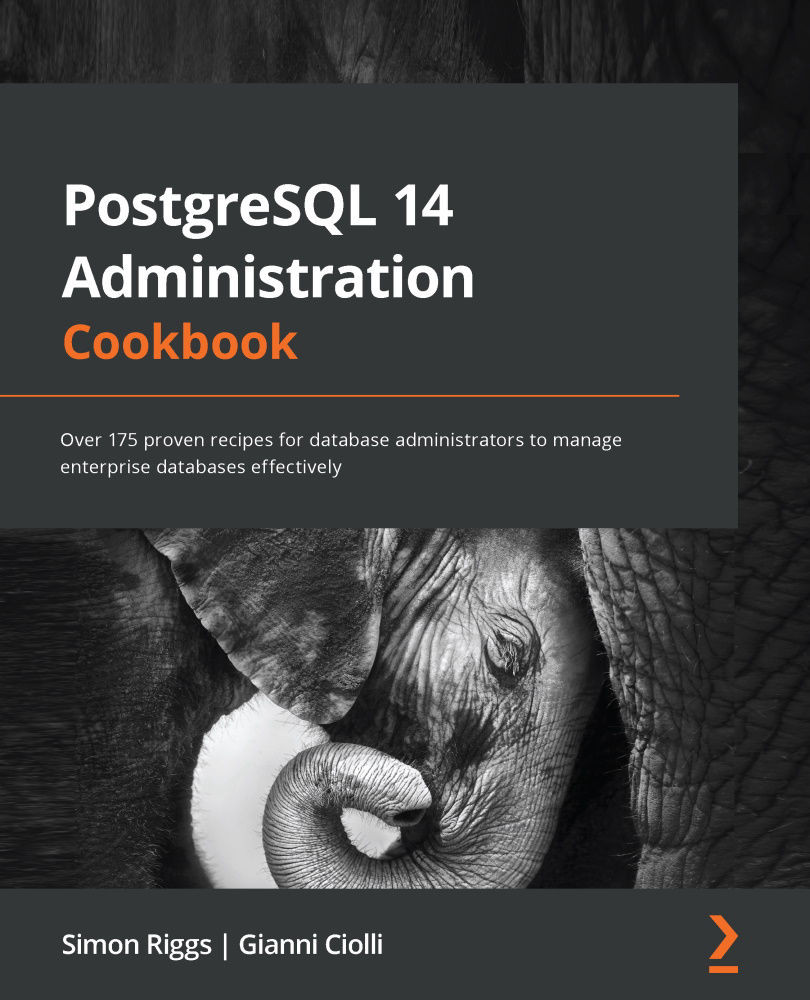
PostgreSQL 14 Administration Cookbook

You're reading from   PostgreSQL 14 Administration Cookbook Over 175 proven recipes for database administrators to manage enterprise databases effectively

Arrow left icon
Product type Paperback
Published in Mar 2022
Publisher Packt
ISBN-13 9781803248974
Length 608 pages
Edition 1st Edition
Concepts
Arrow right icon
Authors (2):
Arrow left icon
Simon Riggs Simon Riggs
Author Profile Icon Simon Riggs
Simon Riggs
Gianni Ciolli Gianni Ciolli
Author Profile Icon Gianni Ciolli
Gianni Ciolli
Arrow right icon
View More author details
Toc

Table of Contents (14) Chapters Close

Preface 1. Chapter 1: First Steps 2. Chapter 2: Exploring the Database FREE CHAPTER 3. Chapter 3: Server Configuration 4. Chapter 4: Server Control 5. Chapter 5: Tables and Data 6. Chapter 6: Security 7. Chapter 7: Database Administration 8. Chapter 8: Monitoring and Diagnosis 9. Chapter 9: Regular Maintenance 10. Chapter 10: Performance and Concurrency 11. Chapter 11: Backup and Recovery 12. Chapter 12: Replication and Upgrades 13. Other Books You May Enjoy

Using a connection service file

As the number of connection options grows, you may want to consider using a connection service file.

The connection service file allows you to give a single name to a set of connection parameters. This can be accessed centrally to avoid the need for individual users to know the host and port of the database, and it is more resistant to future change.

You can set up a system-wide file as well as individual per-user files. The default file paths for these files are /etc/pg_service.conf and ~/.pg_service.conf respectively.

A system-wide connection file controls service names for all users from a single place, while a per-user file applies only to that particular user. Keep in mind that the per-user file overrides the system-wide file – if a service is defined in both the files, then the definition in the per-user file will prevail.

How to do it…

First, create a file named pg_service.conf with...

lock icon The rest of the chapter is locked
Visually different images
CONTINUE READING
83
Tech Concepts
36
Programming languages
73
Tech Tools
Icon Unlimited access to the largest independent learning library in tech of over 8,000 expert-authored tech books and videos.
Icon Innovative learning tools, including AI book assistants, code context explainers, and text-to-speech.
Icon 50+ new titles added per month and exclusive early access to books as they are being written.
PostgreSQL 14 Administration Cookbook
Register for a free Packt account to unlock a world of extra content!
A free Packt account unlocks extra newsletters, articles, discounted offers, and much more. Start advancing your knowledge today.
Unlock this book and the full library FREE for 7 days
Get unlimited access to 7000+ expert-authored eBooks and videos courses covering every tech area you can think of
Renews at €18.99/month. Cancel anytime
Modal Close icon
Modal Close icon










