

Steps to create and configure Learning Path
Dynamics 365 covers the sales process from lead-to-opportunity. In this scenario, the lead to opportunity process flow is used for the Learning Path example. The following steps are to provide guidance to create the Learning Path for lead-to-opportunity:
- In Dynamics 365, go to
Training|Content Library:

- The Content Library will open:
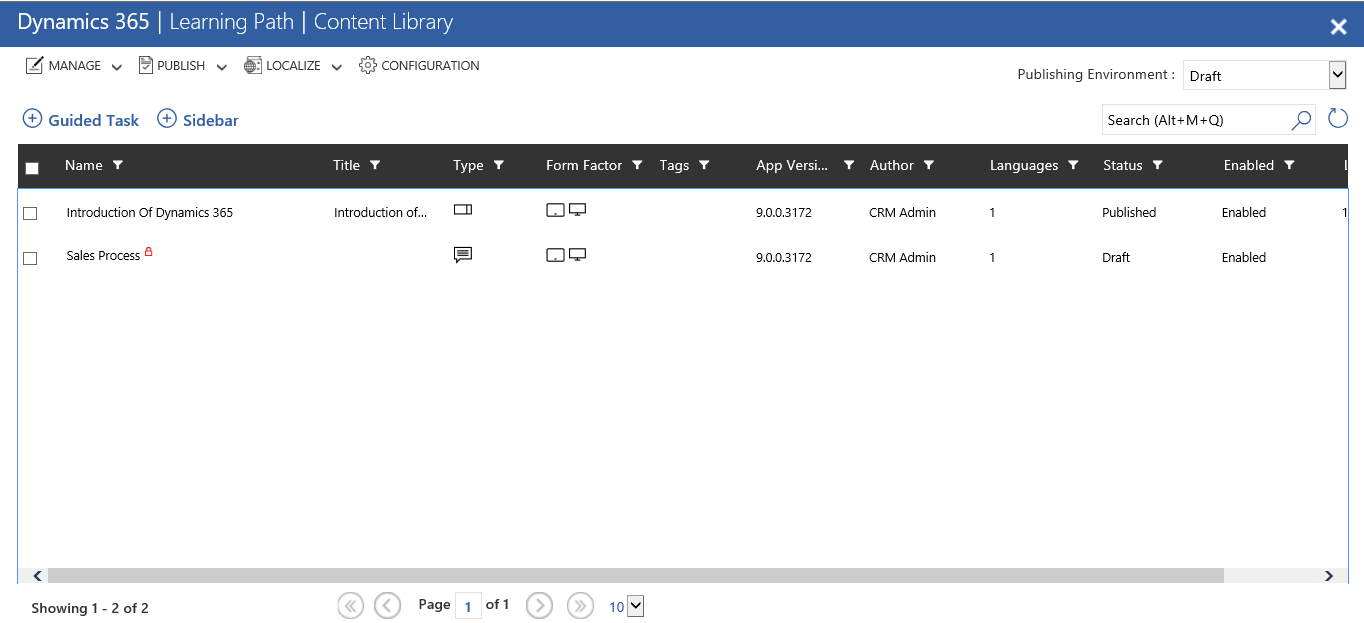
- Select the
Sidebaroption:

- The Learning Sidebar form will open, fill in all the necessary fields. Enter a
Name, choose aTemplate, and save theSidebarform:
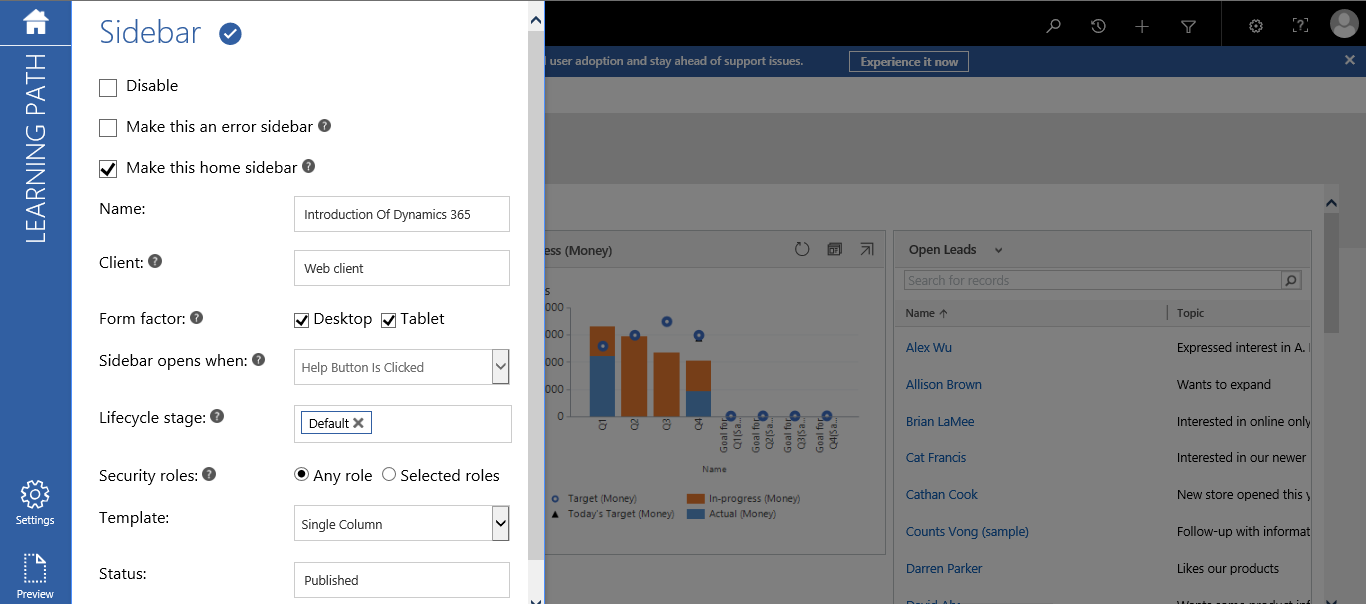
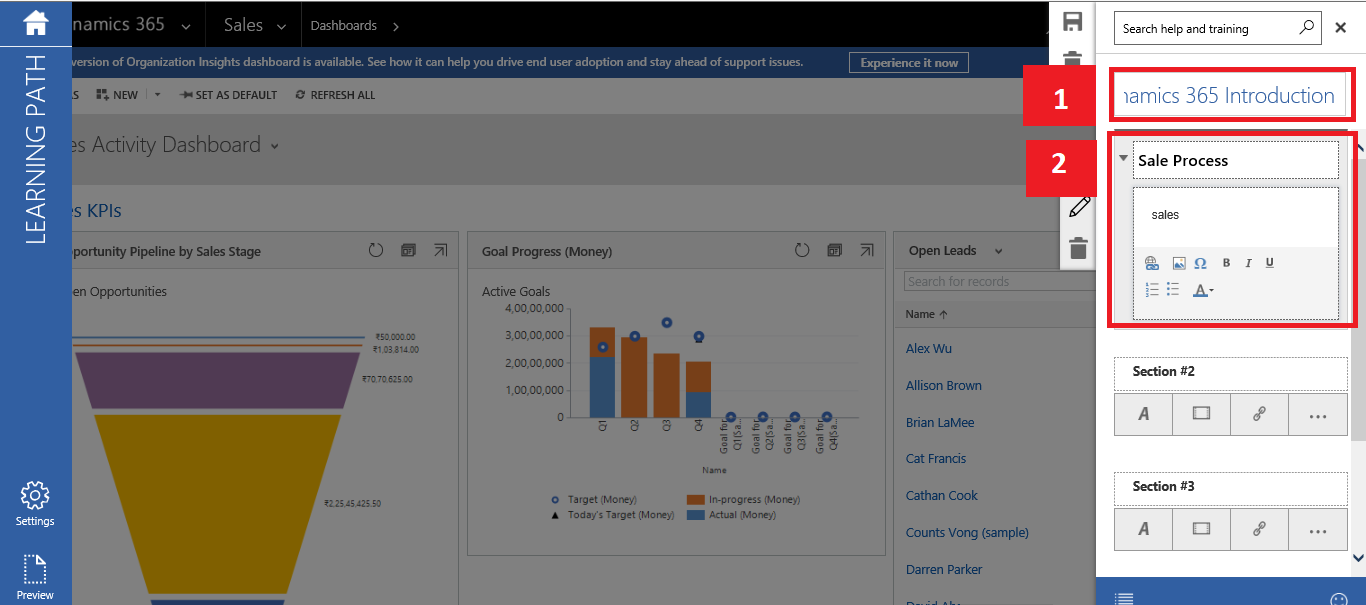
- After this step, edit the sidebar template, enter the sidebar name, edit sections if necessary, and add URLs and images to the sections:
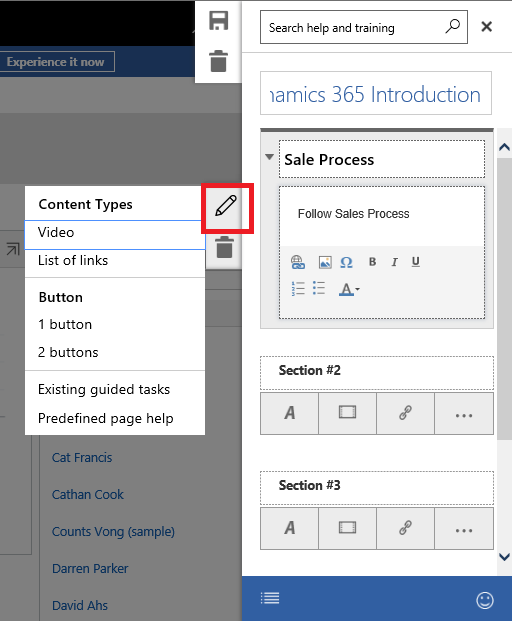
- If there is a need to update the section property , click on the edit button of the section. This option will add
Content Types,Text,Button,List of Links, and so on:
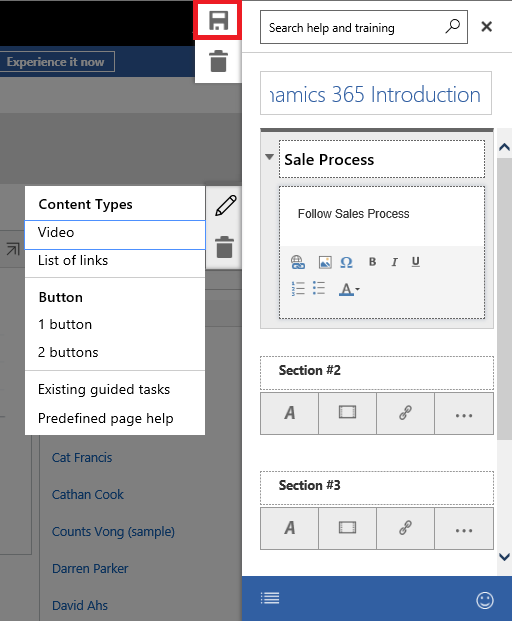
- Select the save option of the Sidebar form:
- Select the
Previewbutton on the left-hand side to see a preview:
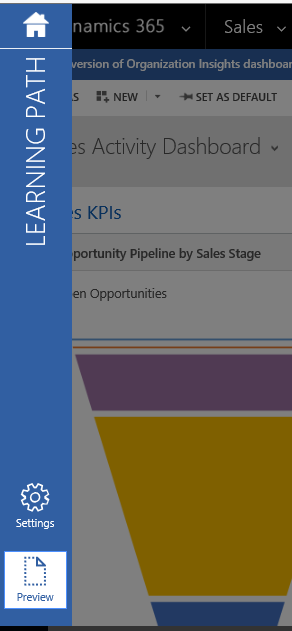
PublishorCheck inthe changes, after you have seen the...